Electronic medical records
Visit, complaint, diagnosis, prescription and lab reports on one screen, with an optional AI-assisted note draft.
Clinistro is a complete clinic system: electronic medical records, scheduling, invoices and payments, specialty examinations and patient WhatsApp messages. It runs on the clinic device with no internet required, with a bilingual Arabic/English interface. For clinics that need access from outside the practice, we set up and run a cloud edition on managed servers.
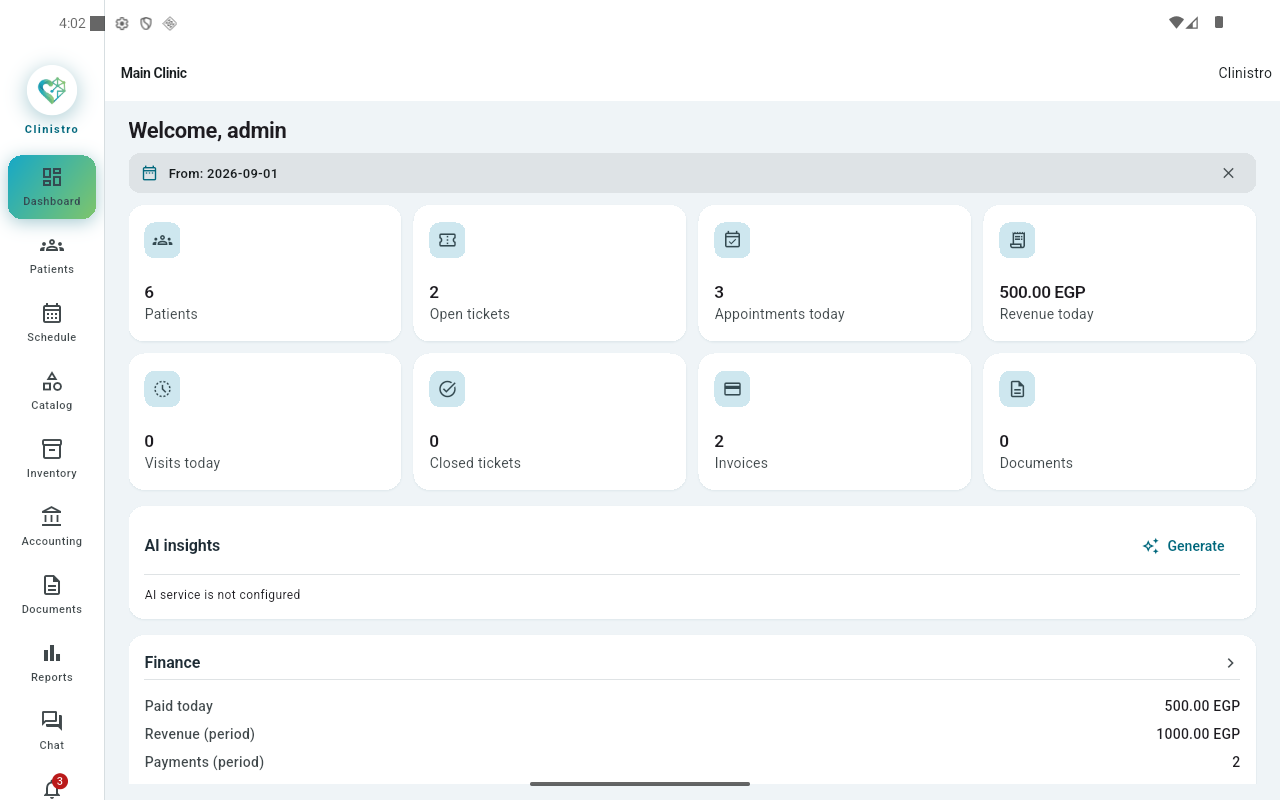
From checking a patient in to printing the financial report — built to stay fast on everyday clinic hardware offline, with a managed cloud edition we set up for clinics that need one.
Visit, complaint, diagnosis, prescription and lab reports on one screen, with an optional AI-assisted note draft.
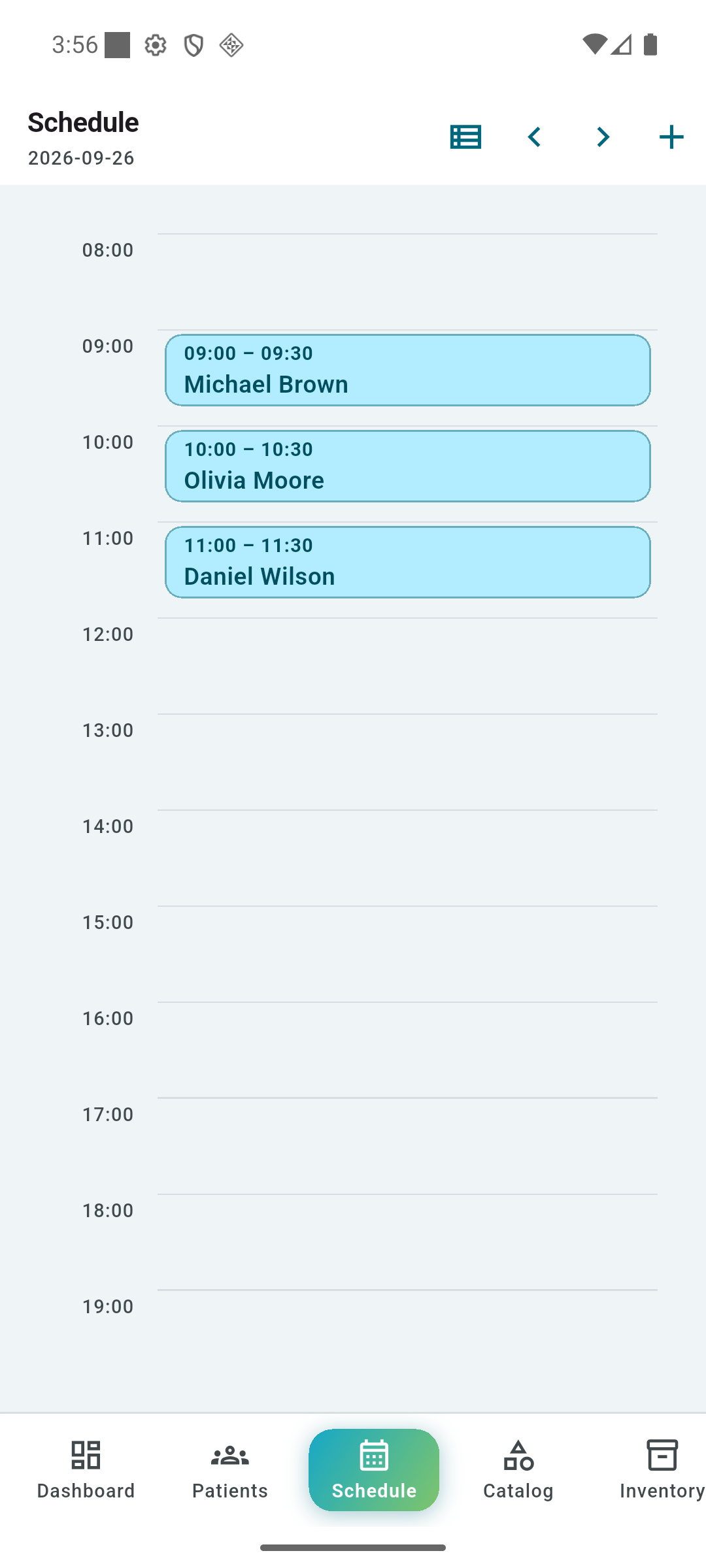
A day timeline that colour-codes every appointment, plus patient lists that stay searchable by name or phone number as your data grows.
Invoices, payments and receipts, expenses and income, an instant financial report and PDF printing.
Each specialty gets its own checklist: pick positive findings from suggestions, then attach a note or a value — plus dental, body, eye and growth charts.
Ready-made templates for appointment reminders, prescriptions, results and outstanding balances — opened in the device's WhatsApp, with every message kept in a log.
Appointment, payment and stock alerts land straight in the device notification shade, plus a built-in notification centre.
Arabic (right-to-left) and English (left-to-right) with the device language picked automatically, and matching light/dark themes across the website and the app.
Data is stored on the clinic device, or on managed servers in the cloud edition, with encrypted backups and an audit trail of every action and who performed it.
One device holds the database and the others connect over the local network. For clinics that need access from outside the practice, we set up a cloud edition on managed servers.
Real screens from the app with generic demo data — the interface is identical in the local and cloud editions. Click any shot to view it full size.
The same brand identity in light and dark, following your device language and theme automatically. Try it now — the moon button at the top switches this page too.
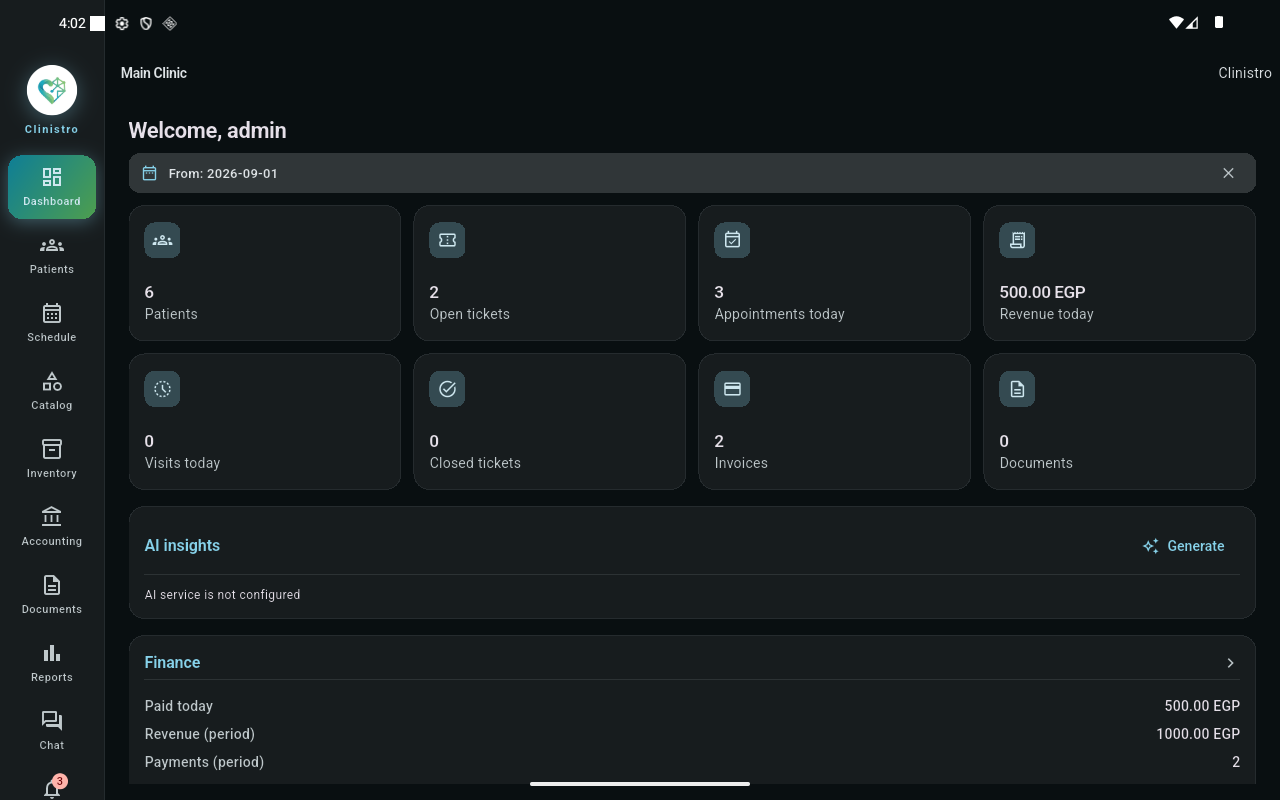
For clinics that need access to their system from outside the practice: we set up and update Clinistro on managed servers, so it opens from any internet-connected device — and it keeps working when the connection drops.
We manage the servers, updates and monitoring for you, so no in-house technical team is needed.
Open the system from any internet-connected device: at the practice, from home, or from another branch.
Encrypted backups are taken on a schedule with no action from you, and can be restored at any time.
Work continues through an internet outage, and devices resync automatically once the connection is back.
Send us your requirements on Facebook and we'll suggest the right setup for your practice size and number of branches.
One data model across platforms: start on the phone and continue at the front desk. For clinics that prefer to run online, we provide a managed cloud edition.
Download the app and create your clinic in minutes — everything stays on your device, with no internet required.